
Written by
Intern at Alayans / Founder at Maki.gg
How We Give Your AI Its Own Computer
16 May 2026
7 min read
AI agents need a stable place to create files, run scripts, read output, and iterate. Here is how we built alayans' workspace with ephemeral Docker containers and persistent storage.
TL;DR
- Every user gets a persistent workspace: a private directory backed by SeaweedFS that stays between sessions.
- When alayans needs to run something, we spin up a disposable Alpine Linux container and mount that workspace into it.
- The container is thrown away the moment the command finishes. The workspace is not.
- Hard resource limits prevent any one agent from affecting others.
- Standard Linux security primitives keep the sandbox locked down.
When an AI agent does useful work, it needs somewhere to do it. It needs to create files, run scripts, read output, and iterate. Without a stable environment to work in, an agent is just a conversational model. With one, it becomes something that can actually get things done.
This post explains how we built that environment for alayans, and why we chose "boring" technology to do it.
The Problem: Agents Need a Place to Work
Consider what happens when you ask alayans to pull your deals closed this quarter, write a script to calculate conversion rates by region, and export the result as a CSV you can drop into your board deck. That is several distinct operations. Fetch, transform, write, verify, and they all need to happen in the same place. The data file from step one needs to still be there in step three.
This is the core requirement: persistence within a session, isolation between users.
It sounds simple. The implementation has a few moving parts.
The Environment: Alpine Linux in Docker
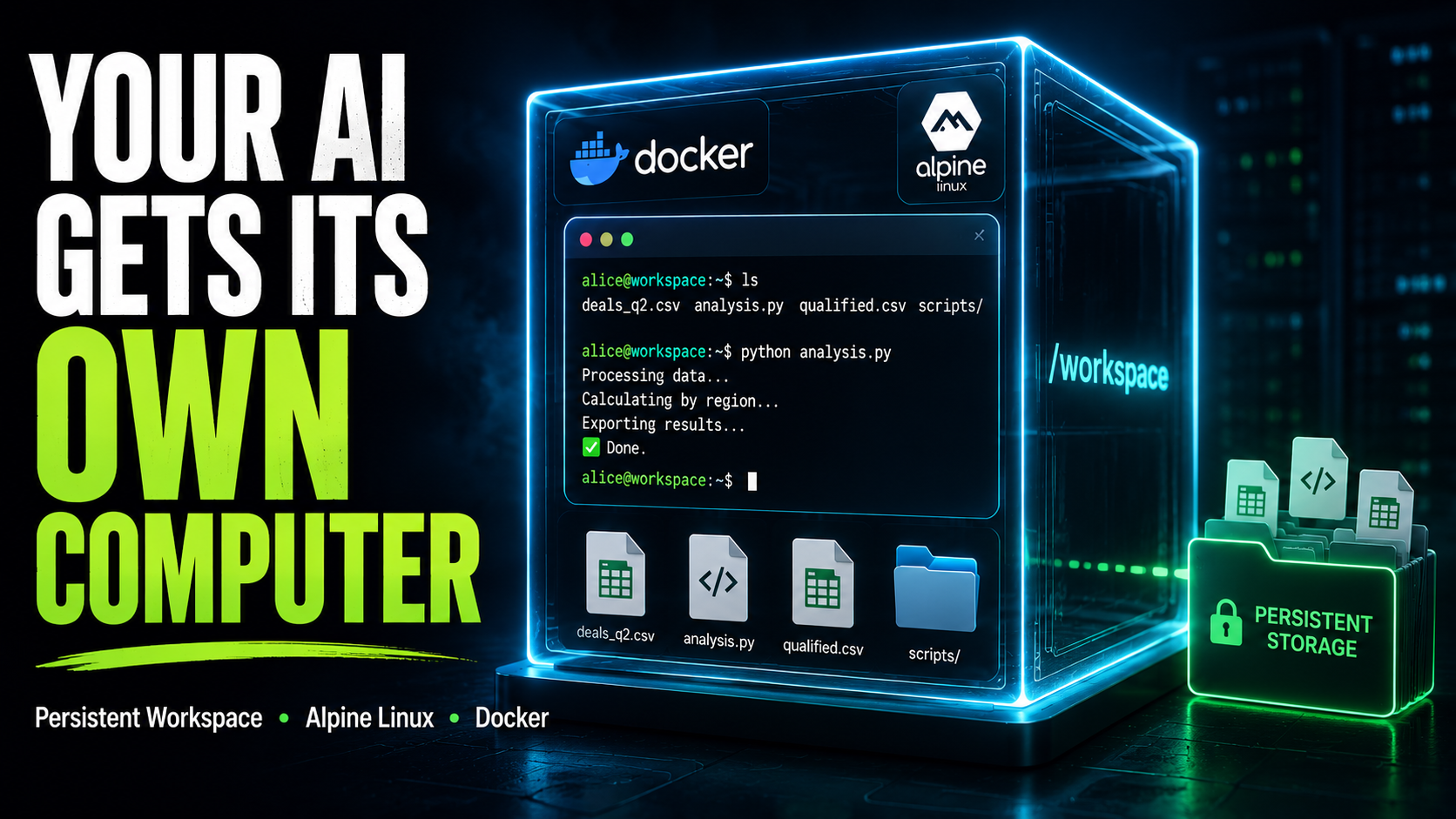
Every user gets a workspace directory backed by SeaweedFS, a distributed file store mounted on our infrastructure. When alayans runs a command for you, we mount your workspace directory into a fresh Docker container and execute the command inside it.
SeaweedFS volume -> /workspaces/user-id/ -> /workspace/ (inside container)The container is based on Alpine Linux, a minimal Linux distribution that weighs in at around 7MB. It has a shell, standard Unix utilities, and the tools agents need. Nothing more.
When the command finishes, the container is deleted. Your workspace is not. The next time alayans runs something for you, a new container is created and your workspace is mounted again. The files you created are exactly where you left them.
This separation, ephemeral compute, persistent storage, is the key design decision. Containers are cheap and fast to spin up and throw away. Workspaces accumulate the work your agent is actually doing.
Why Docker, and Not Something Newer
There are newer projects purpose-built for AI sandboxing. We evaluated several of them. We chose Docker for the same reason we choose boring technology whenever we can: Docker has been running untrusted code in production for over a decade. Its isolation model is well understood. Its failure modes are documented. Its security surface has been audited by a very large number of people with strong incentives to find problems.
The primitives Docker exposes like namespaces, cgroups, and capabilities, are Linux kernel features that have been hardened over decades. When we say the container cannot touch the host filesystem, we mean the kernel enforces that. When we say it cannot use more than 256MB of memory, the kernel enforces that too.
New AI sandbox projects are often thin wrappers around the same primitives, with less time in production. For something as security-sensitive as running arbitrary code, we preferred the known quantity.
Resource Limits
Each container runs with hard limits enforced by the kernel's control group (cgroup) subsystem:
| Resource | Limit |
|---|---|
| Memory | 256 MB |
| CPU | 0.5 cores |
| Processes | 50 |
| Network | None |
| Execution time | 30 seconds |
The memory and CPU limits mean that an agent working on a heavy task cannot starve other users. The process limit prevents fork bombs. The network restriction means the container cannot make outbound requests or be used as a pivot point. The timeout means a runaway loop or hung process is stopped cleanly.
If a command times out, we stop the container and return an error to the caller. The workspace is untouched.
What alayans Can Do in Your Workspace
alayans can run any shell command inside your workspace. In practice, this means it can write files, read files, execute scripts, chain commands together, and inspect the results.
When you ask alayans to analyse your closed deals and produce a regional breakdown, the session might look like this:
# Inspect the CRM export
head -5 deals_q2.csv

# Count closed deals per region
awk -F',' 'NR>1 {print $3}' deals_q2.csv | sort | uniq -c | sort -rn

# Pull out only the won deals above 10k and save them
awk -F',' 'NR==1 || ($5=="Closed Won" && $4>10000)' deals_q2.csv > qualified.csv

# Confirm the row count looks right
wc -l qualified.csv
Each command gets its own container. The files written by one command are visible to the next because they all share the same workspace directory.
Security Model
Running arbitrary code on a server requires taking the security model seriously. Here is what we do:
Process isolation: Each container runs as a dedicated unprivileged user (sandbox) with no ability to escalate privileges. The --no-new-privileges flag ensures that even if a setuid binary exists inside the container, it cannot be used to gain elevated access.
Capability drop: Linux processes carry a set of capabilities, fine-grained permissions that determine what privileged operations they can perform. By default, containers inherit a permissive set. We drop all of them. The container cannot modify network interfaces, mount filesystems, read kernel memory, or perform any other operation that requires elevated kernel access. It can read and write files. That is the point.
Filesystem isolation: The container sees exactly one directory from the host: your workspace, mounted at /workspace. Everything else is an isolated container filesystem that is discarded when the run finishes. The host filesystem, other users' workspaces, and the API process itself are all completely invisible to the container.
No network: The container has no network interface. It cannot make outbound HTTP requests, resolve DNS, or communicate with anything outside the container boundary. This is not a firewall rule, the network namespace simply does not exist.
Your Files Are Yours
Your workspace is private. It is mounted into containers that run on your behalf and no one else's. alayans cannot see another user's workspace, and another user's agent cannot see yours. This is enforced at the filesystem level, not at the application level.
The storage layer underneath is SeaweedFS, a distributed file store designed to scale horizontally across many machines. Each user's workspace is a directory within a SeaweedFS volume. From the container's perspective, it is just a directory mounted at /workspace, the distributed nature of the storage is completely transparent. From our perspective, it means workspaces are durable, replicated, and not tied to any single machine.
Closing
The agent workspace is one of those components that should be invisible when it works. alayans writes a file, runs it, and tells you the result. The fact that this happened inside an isolated Alpine Linux container with a locked-down capability set and a 30-second kill timer is, ideally, not something you ever have to think about.
We thought about it so you do not have to.